All this work to spin a tiny film roll... or to save me hours adding new ones?
The film roll in Roll used to be a pre-rendered Blender video. Now it's a live 3D object on your phone.
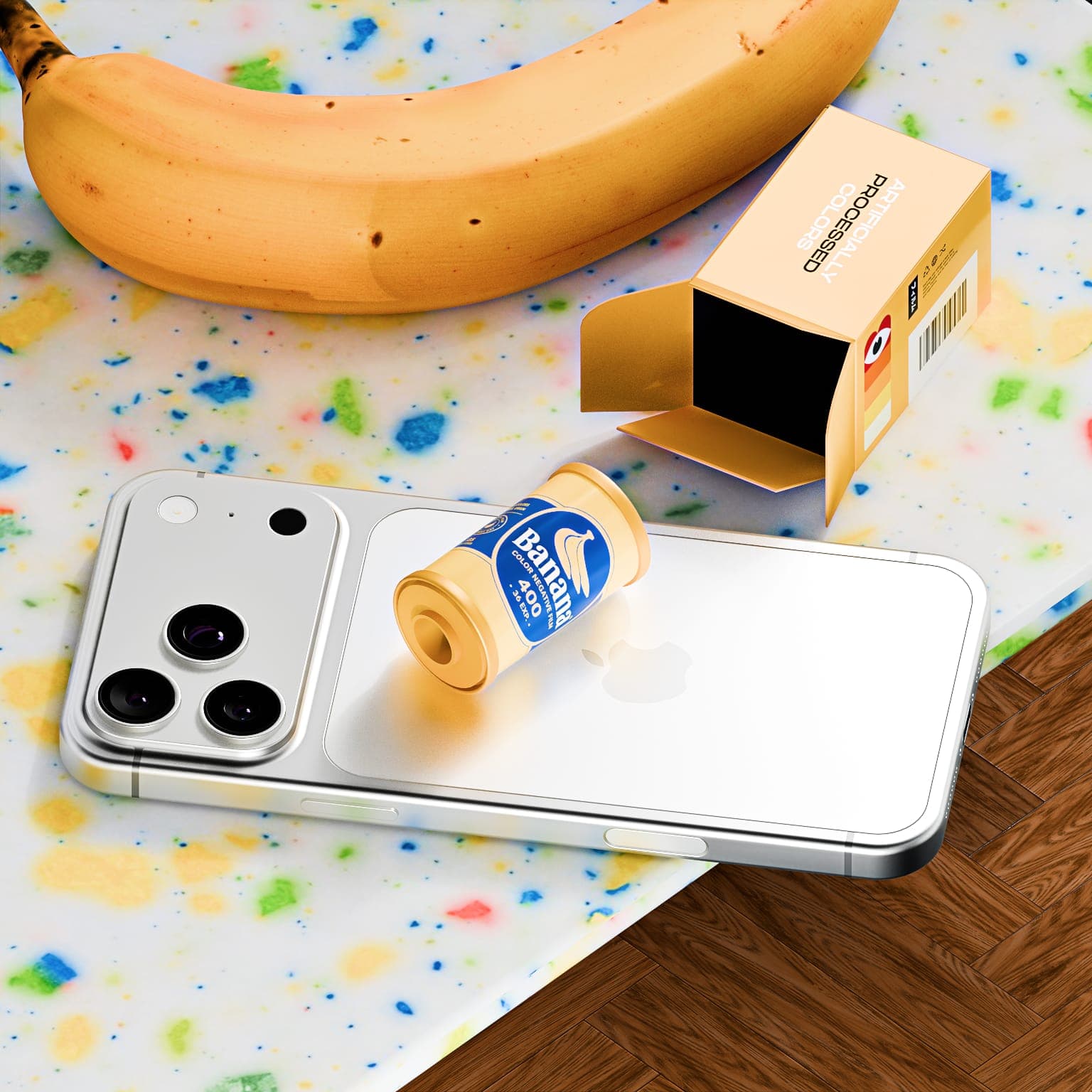
Every day in Roll, you get a new box of film. You open it, find out what you've got, and that becomes your camera for the day.
The film roll inside has always looked like a little 3D object, but until now it wasn't. It was a video I had pre-rendered in Blender.
For every film, I would design the label, apply it to the model in Blender, render the animation, export the video, compress it and add it to the app. It gave me complete control over how everything looked, but as I added more film, the process started to feel a little silly. The model was the same, the lighting was the same, and the animation was the same. The only thing really changing was the label.
So I got rid of the videos.
Rendering it live
In the new version of Roll, the film roll is an actual 3D object rendered live on your phone. Blender is still where I make the model, but instead of rendering a separate video for every film, the model now lives inside the app.
To make a new roll, all I need is a PNG of the label. Roll wraps it around the model and handles the materials, lighting and animation in real time.
Here's Banana, one of the new ones. This is the actual file: a flat label, nothing else. No 3D scene, no animation, no lighting setup. I design it, export it, and that's the roll.
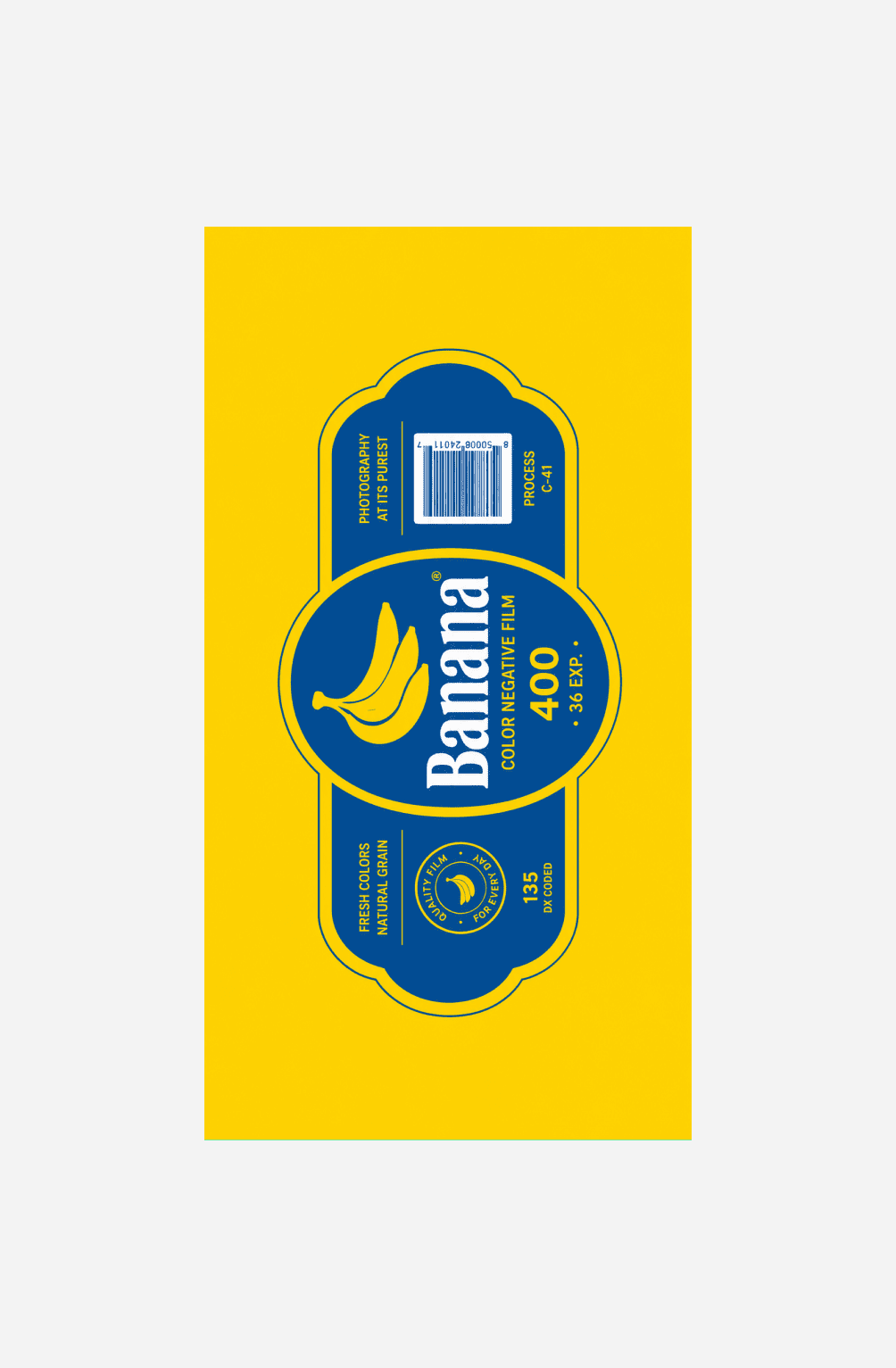
From that one file the app builds the rest. It wraps the label around the model, adds the metal and plastic, lights it and spins it. Here's the result next to the old pre-rendered version.
They look pretty similar, and that's intentional. On one side you're watching a video of an object rendered in Blender. On the other, the object is actually there, and you can grab it and spin it yourself.
Why change it?
The most obvious benefit is size. Instead of shipping a video for every roll, I ship the model once and a small PNG for each label. Adding new film is also much faster: design the label, export it, done.
More importantly, nothing is baked in anymore. I can change the animation, lighting or camera once and every roll gets the improvement. And because it's a real 3D object, I can move it, rotate it and use it in ways that weren't possible with a pre-rendered video.
It's quite a lot of work for something that, ideally, looks almost exactly the same. But it gives me a much better foundation for adding more film and doing more with the rolls in the future.
This update also brings Achievements, including challenges for shooting in different locations, keeping streaks and seasonal events. Completing them can unlock special shutter buttons.
There are new film rolls to discover too, along with better haptics when opening your box and a bunch of smaller improvements throughout the app.
Anyway. That's a lot of words about something you look at for three seconds before you go out and shoot. Go open your box.